
Mobile app
Your HR desk, in your pocket
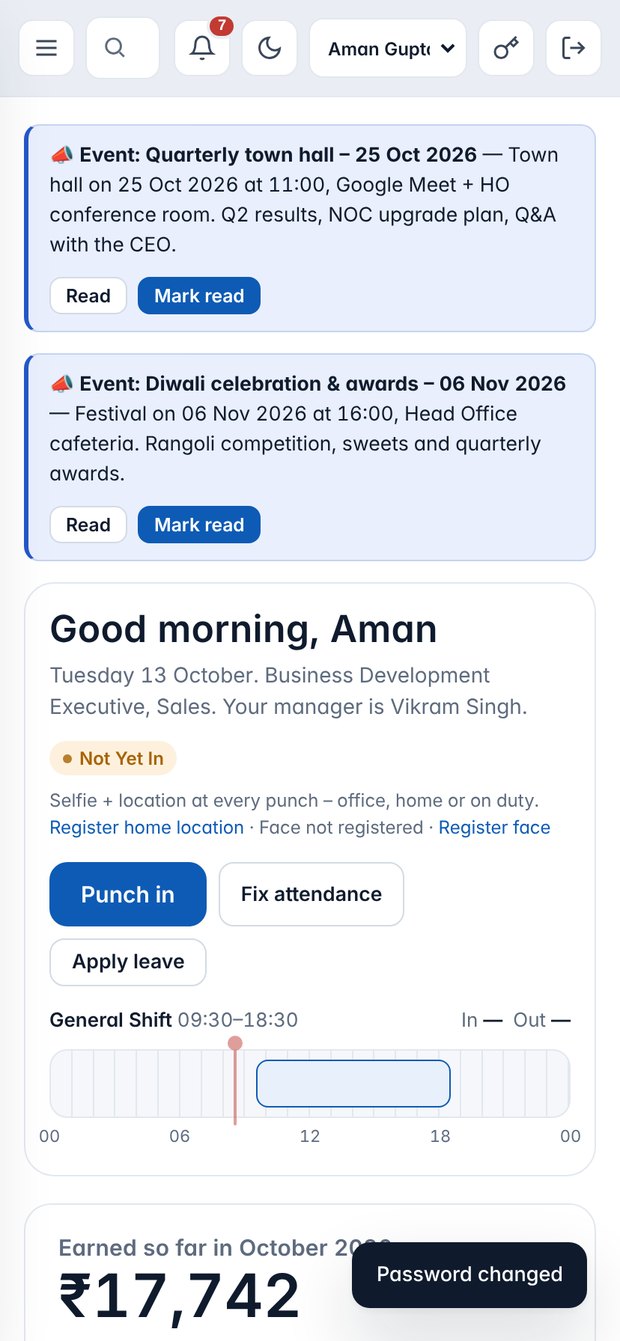
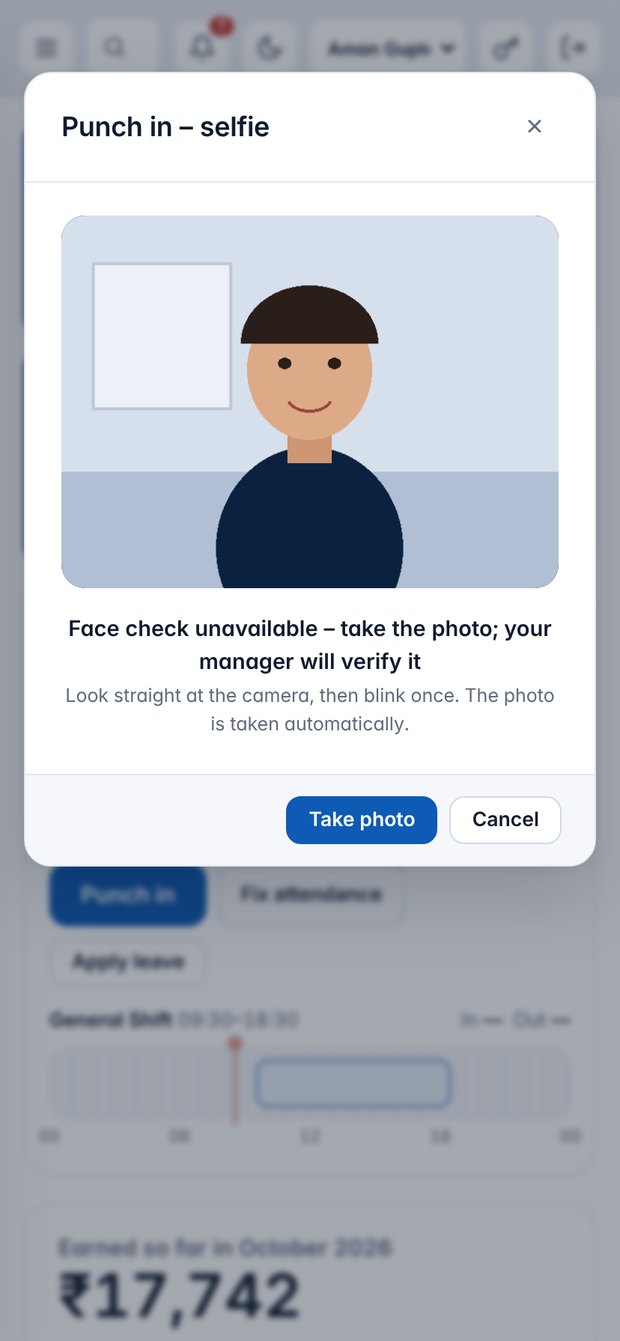
Every company gets its own Android app and iPhone home-screen app, with the sign-in remembered. Punch in, apply for leave and check your payslip in seconds.
Install
Two minutes to set up
Android
- Open the app link HR shares
- Open the downloaded file
- Allow install if asked, then Install
- Sign in, allow Camera and Location
iPhone
- Open your company's HRMS address in Safari
- Tap Share
- Choose Add to Home Screen
- Open it, allow Camera and Location
In the app
Everything an employee needs
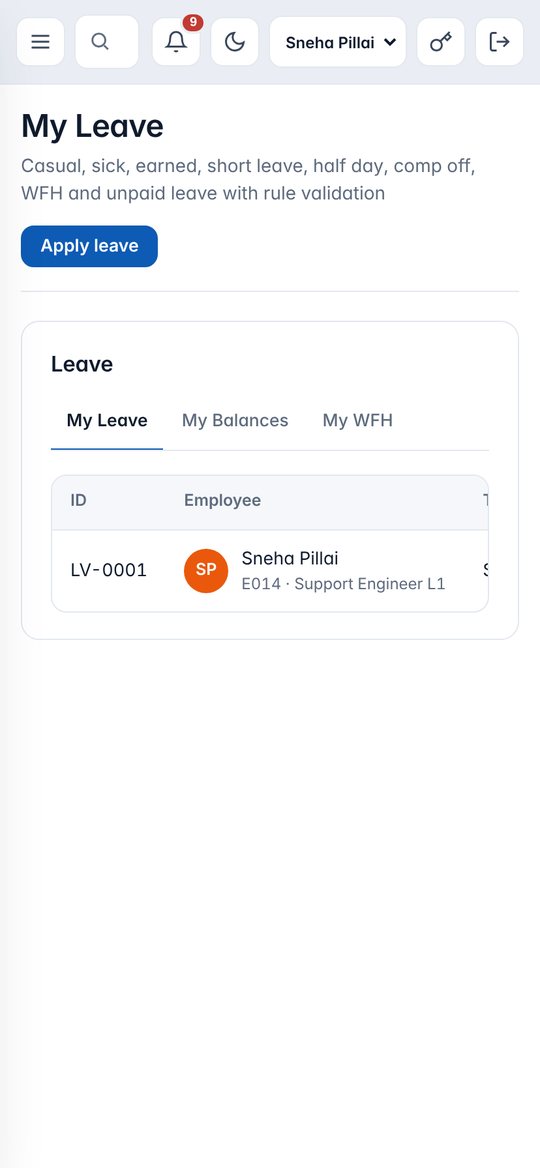
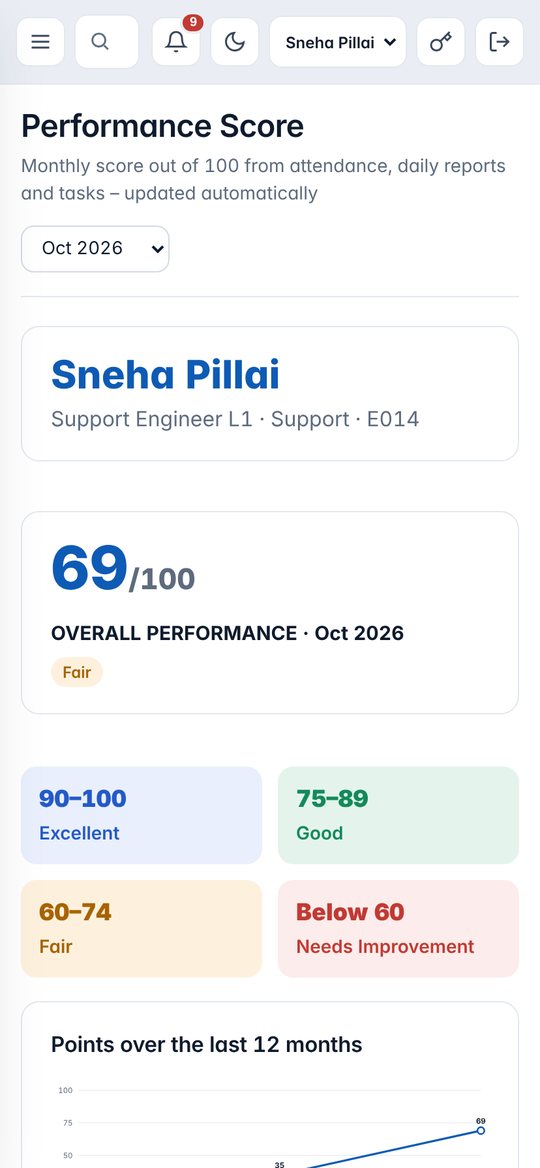
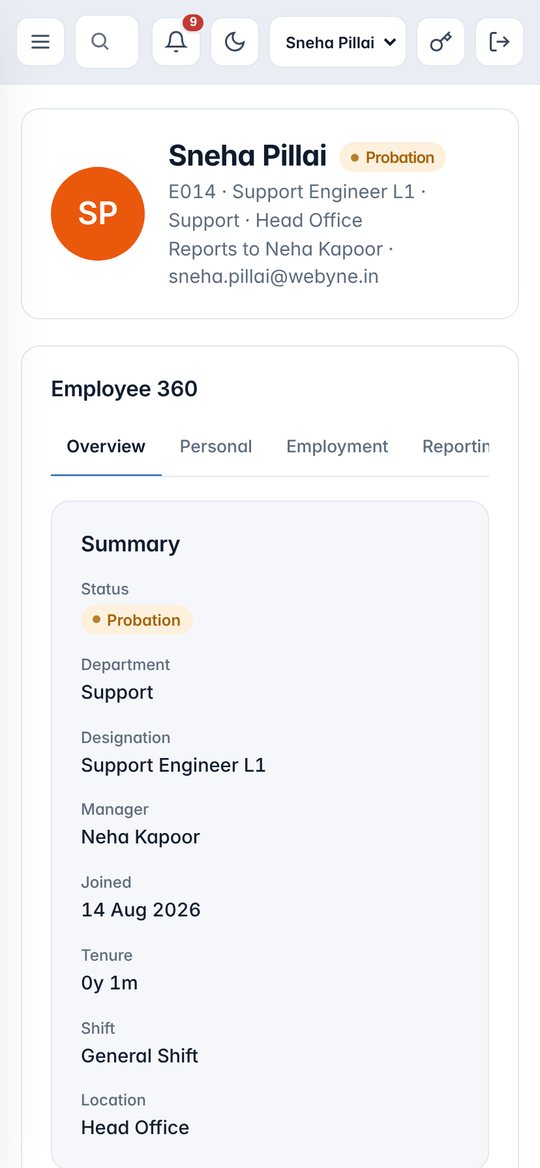
Selfie punch-inAttendance calendarApply leave and WFHPayslipsDaily work reportTasksPerformance ScoreHelpdeskNotifications
Good to know
Tips for a smooth start
- Punch-in needs internet, camera and location permission.
- If you denied a permission, allow it from phone Settings › Apps › Webyne HRMS › Permissions.
- Your sign-in is remembered; use Sign out on a shared phone.
- Problems? Raise a ticket in HR Helpdesk.