
For every role
Each person sees what they need
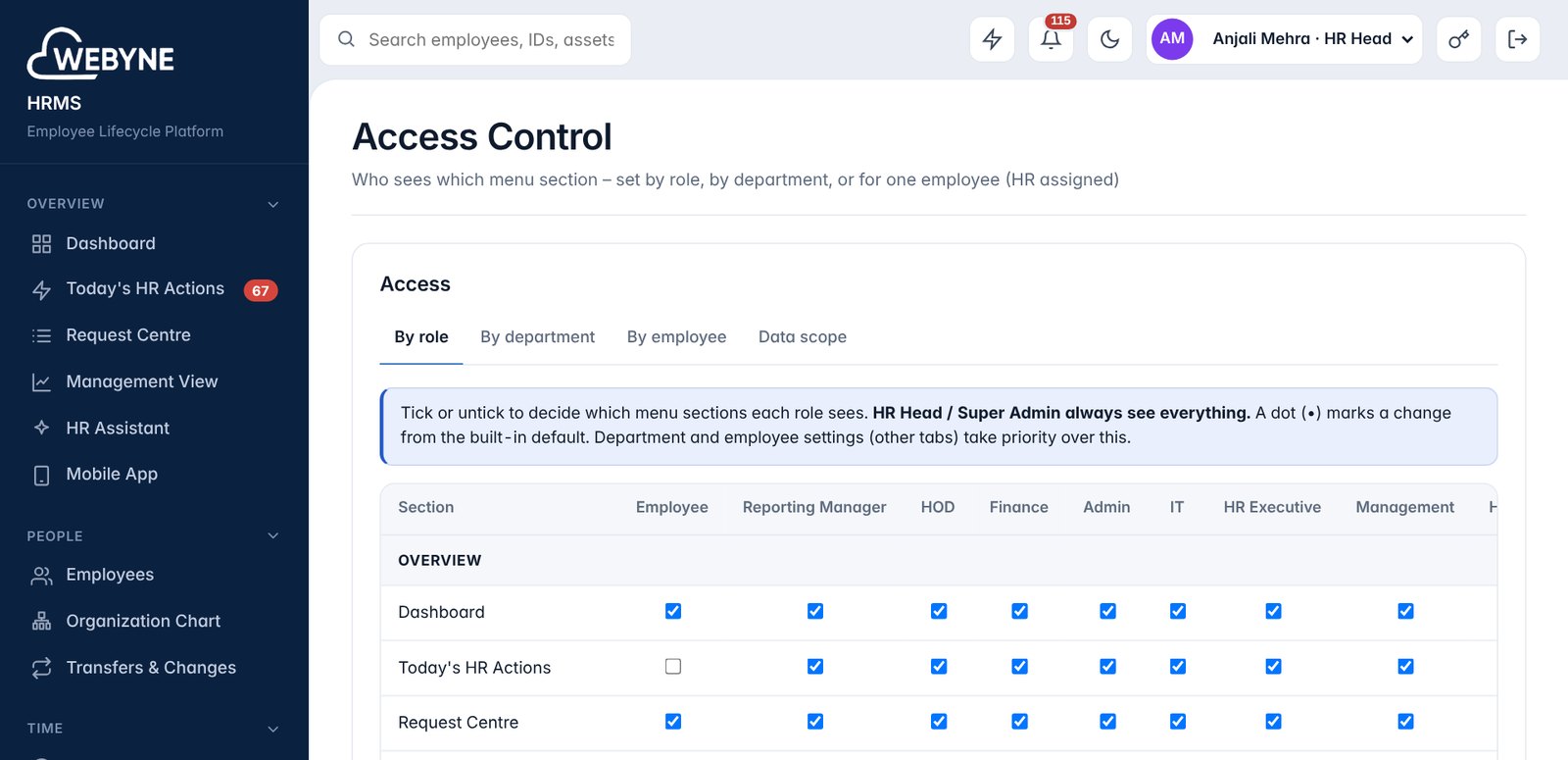
The same system shows a different home to an employee, a reporting manager, management and HR. Access is set by HR and checked by the server.
Employees
Mostly on the phone, a few minutes a day.
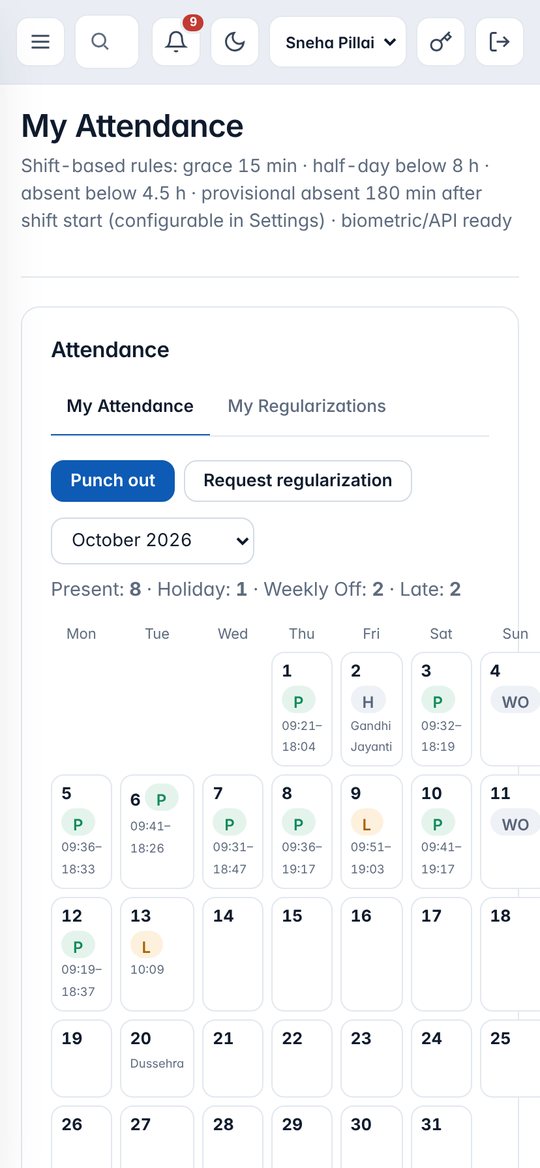
- Punch in and out with a selfie
- See attendance, apply for leave or WFH
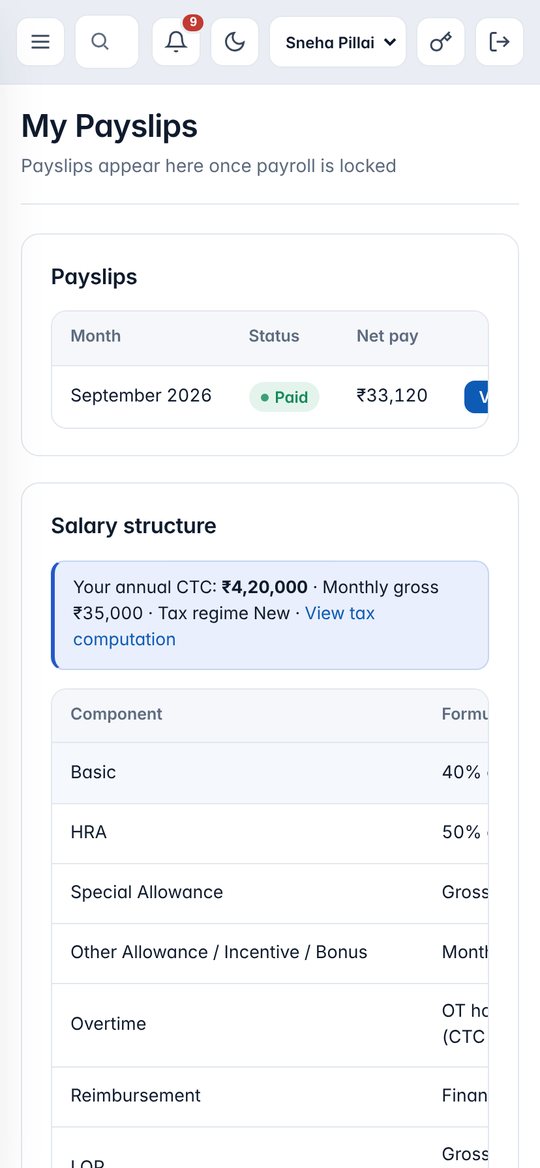
- Download payslips, claim expenses, request loans and letters
- Submit the daily work report and update tasks
- See their own Performance Score
- Raise a helpdesk ticket
Reporting managers
Approvals and the team, on one dashboard.
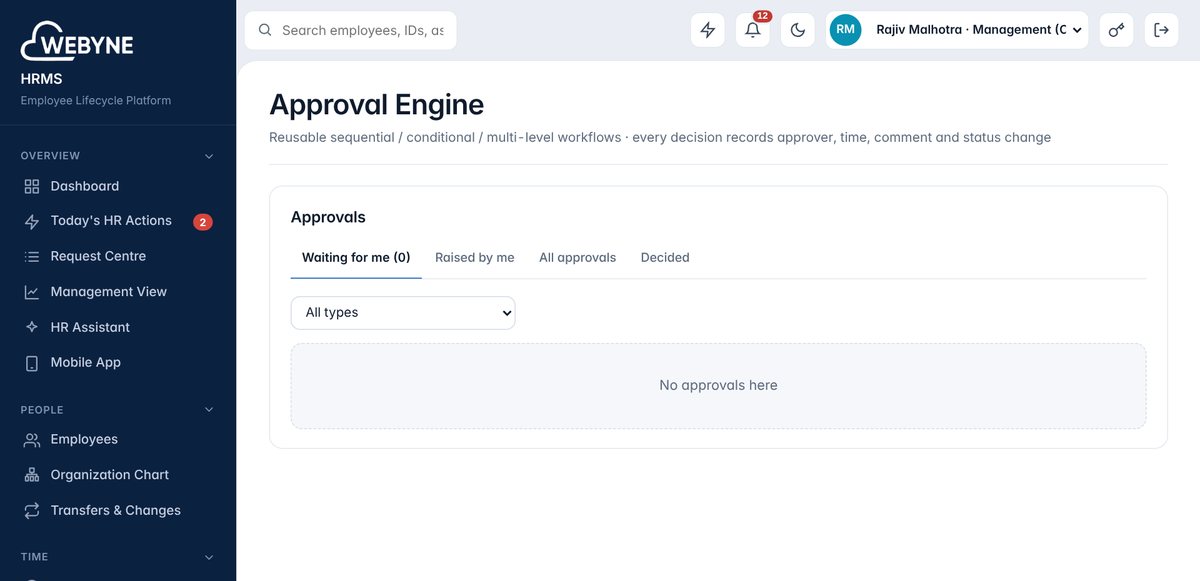
- Approve leave, attendance corrections, loans and expenses
- Team attendance, late arrivals and missing punches
- Verify daily work reports and chase missing ones
- Submit the 5:30 PM department rollup for the CEO briefing
- Assign tasks and track projects
- Rate the team in quarterly reviews; see team scores
- Recommend increments and confirm probation
Founders and management
The company at a glance the moment they sign in – no punch-in – and a report every evening.
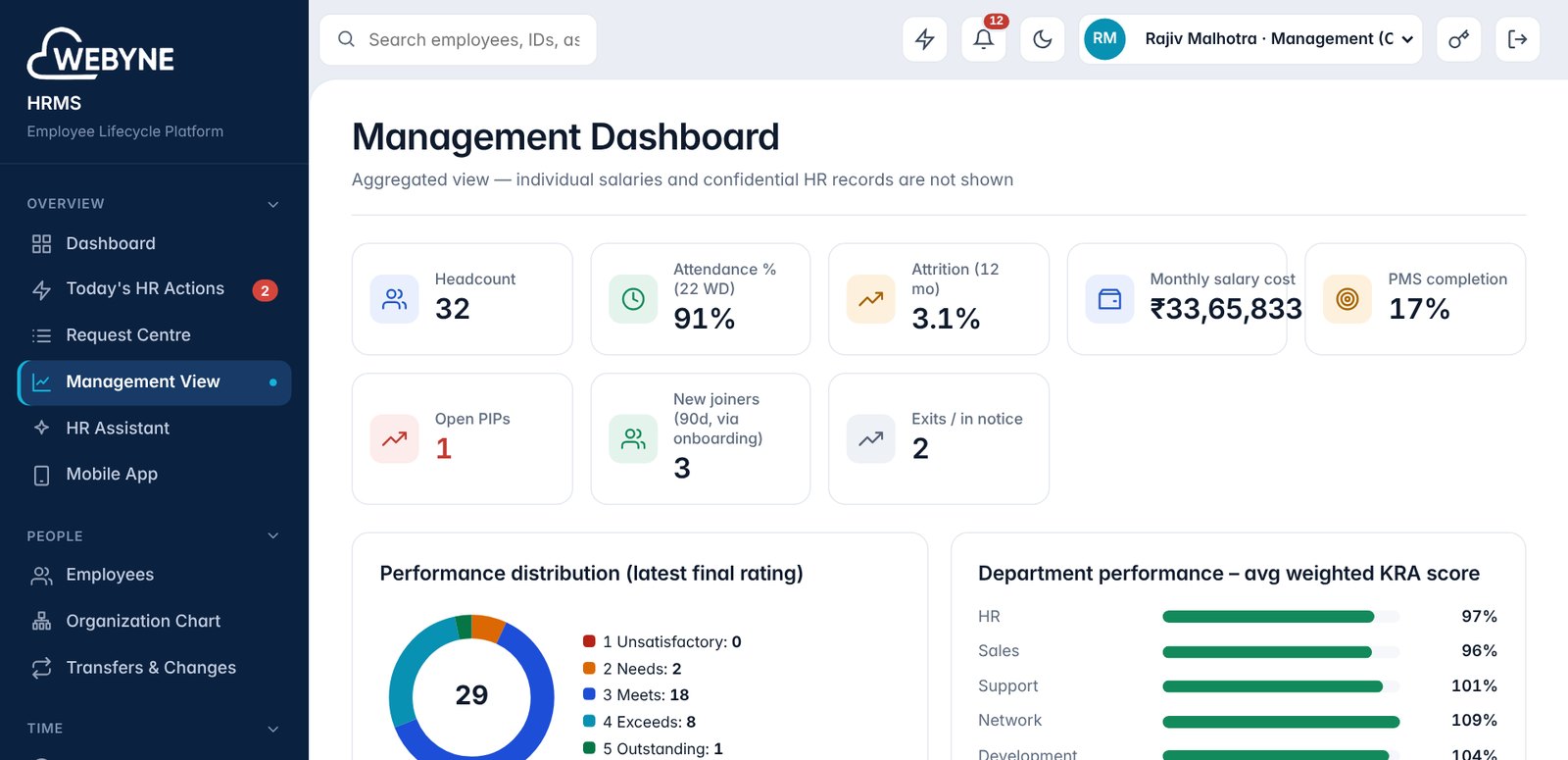
- Management View: headcount, attendance, attrition, salary cost, PMS completion
- Department performance and rating distribution
- Projects and critical tasks
- More than twenty reports, exported to Excel or PDF
- CEO Daily Executive Briefing at 6:30 PM: wins, KPIs, red flags, next priorities
- Record decisions on red flags; leads are notified
- Approve increments and other management steps
HR
Runs the system and sets the rules.
- Employees, bulk uploads and sign-in passwords
- Payroll runs, letters and policies
- Automation rules, email templates, one-click pause
- Access control by role, department or employee
- Performance Score weights and review cycles
- Audit log of every sensitive change